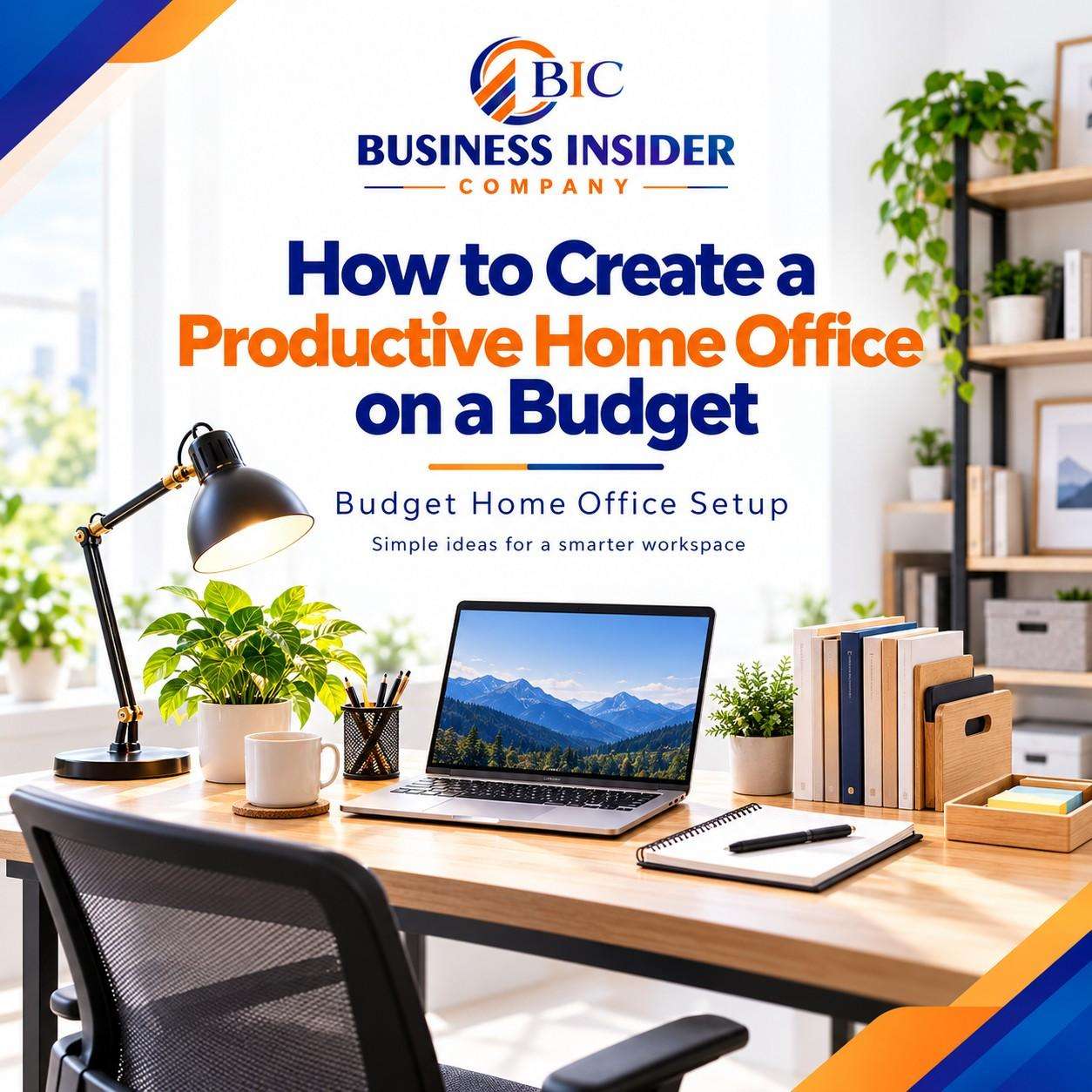
How to Create a Productive Home Office on a Budget
October 19, 2026
How to Create a Productive Home Office on a Budget
A productive home office does not require a large room, expensive furniture or a perfect social-media-worthy setup. It requires a space that helps you focus, stay comfortable and keep your work essentials within reach. With a few thoughtful changes, even a corner of a bedroom, living room or dining area can become a useful work zone.
The goal of a budget home office setup is simple: remove small daily frustrations so that you can give more energy to your actual work. A good chair position, reliable lighting, less clutter and a clear routine often matter more than buying every new gadget.
Start by Defining How You Work
Before buying anything, think about your workday. Do you spend most of your time on video calls, writing, designing, studying, managing a business or using spreadsheets? Your answer will help you prioritise the right improvements.
Ask yourself:
-
How many hours do I sit each day?
-
Do I need a quiet space for calls?
-
Do I use a laptop only, or a second screen too?
-
Do I need storage for papers or products?
-
What distracts me most at home?
-
Which item causes the most discomfort right now?
A person who attends frequent video calls may need better lighting and a neutral background. Someone doing long writing sessions may benefit more from chair support and a laptop stand. Spend money only where it solves a real problem.
Choose a Dedicated Spot
A dedicated work zone tells your mind that it is time to focus. It does not need to be a separate room. A compact desk, a clear corner of a table or a foldable setup can work well.
Look for a spot with:
-
Access to a plug point
-
Reasonable natural light
-
Fewer household interruptions
-
Enough room for your laptop and notebook
-
A stable surface
-
Minimal background noise
Try not to work from bed regularly. It can blur the boundary between rest and work, and it often leads to poor posture. If space is limited, pack away your work items after the day ends so the room can return to its normal purpose.
Prioritise Comfort Before Decoration
A stylish desk is nice, but comfort should come first. Poor posture can make even a short workday feel tiring.
Start with low-cost improvements:
-
Raise your laptop screen closer to eye level with a stand or stable stack of books.
-
Use an external keyboard and mouse if you work long hours.
-
Support your lower back with a small cushion or rolled towel.
-
Keep your feet flat on the floor or on a firm footrest.
-
Position the screen directly in front of you instead of to one side.
You do not need to replace everything immediately. Improve one pain point at a time. A modest chair with the right support may be more useful than an expensive chair that does not fit your desk height.
Improve Lighting for Focus and Calls
Good lighting reduces eye strain and makes video calls more professional. Natural daylight is usually a strong starting point, especially when it comes from in front of you or slightly to the side.
Avoid placing a bright window directly behind you during video calls, as it can make your face look dark. If natural light is not available, use a simple desk lamp with soft, even lighting.
For a practical setup:
-
Keep the main light source in front of or beside you.
-
Avoid strong glare on the laptop screen.
-
Use a warm-to-neutral desk lamp for evening work.
-
Keep the area behind you tidy for calls.
Small lighting changes can make a workspace feel calmer and more intentional.
Control Clutter with Simple Systems
Clutter steals attention. You may not notice it immediately, but a desk full of cables, papers and unrelated objects makes it harder to start work.
Use simple, affordable organisers:
-
One tray for daily stationery
-
One folder for active papers
-
A small box for chargers and adapters
-
Cable clips or ties
-
A water bottle placed away from electronics
-
A drawer or pouch for personal items
At the end of each day, spend two minutes resetting the desk. Put papers back, remove cups, close notebooks and plug in devices for the next morning. This small habit reduces friction when you begin again.
At BusinessInsiderCompany.com, practical productivity advice starts with the idea that systems should feel simple enough to repeat, not complicated enough to abandon.
Create a Distraction Plan
A home office often comes with distractions: household tasks, phone notifications, social media, family interruptions and unfinished personal errands. You cannot remove every distraction, but you can make focus easier.
Try these habits:
-
Keep your phone out of reach during focused work.
-
Turn off non-essential notifications.
-
Write the top three tasks for the day before opening email.
-
Use short focus blocks, such as 25 or 50 minutes.
-
Take a brief break before starting the next block.
-
Tell family members your key working hours when possible.
Do not aim for perfect concentration all day. Aim to protect your most important work periods.
Use What You Already Own
A budget setup becomes expensive when you assume every item must be new. Before shopping, look around your home for useful alternatives.
You may already have:
-
A dining chair that can be adjusted with a cushion
-
Books that can serve as a laptop riser
-
Storage boxes for files or cables
-
A spare lamp
-
A basket for work supplies
-
A plain wall for video-call background
-
A small side table for a printer or notebook
Buy only what cannot be solved with an existing item. This approach keeps your space practical and reduces waste.
Set Clear Workday Boundaries
One challenge of working from home is that work can stretch into personal time. A productive office setup includes a shutdown routine, not only a start routine.
At the end of the day:
-
Review completed tasks.
-
Write tomorrow’s top priorities.
-
Close work tabs and silence notifications.
-
Tidy your desk.
-
Physically step away from the workspace.
This creates a mental finish line. It also helps you begin the next day with less stress.
Upgrade in the Right Order
If you have some budget to improve your space, upgrade based on impact.
A useful order is:
-
Chair comfort and desk height
-
Laptop stand, keyboard or mouse
-
Reliable lighting
-
Cable and paper organisation
-
Noise-control support, such as headphones
-
Decorative additions
You do not need everything at once. A functional setup built gradually is often better than an expensive purchase made without knowing your habits.
FAQs.
What is the minimum needed for a home office?
A stable work surface, comfortable seating, reliable internet, sufficient lighting and a way to organise essentials are enough to begin.
How can I make my home office look professional on video calls?
Use a tidy background, position light in front of you, keep the camera at eye level and remove distracting items from view.
Is it okay to work from a dining table?
Yes, if you can create a consistent work zone and adjust your posture. Pack away work items after the day if the table is shared.
How do I stay focused while working from home?
Set clear work hours, plan your top priorities, reduce notifications and use short focused work blocks with breaks.
The best home office is not the most expensive one; it is the one that makes your work easier every day. For more practical, clear and useful guides, visit BusinessInsiderCompany.com and build a work routine that supports your goals.